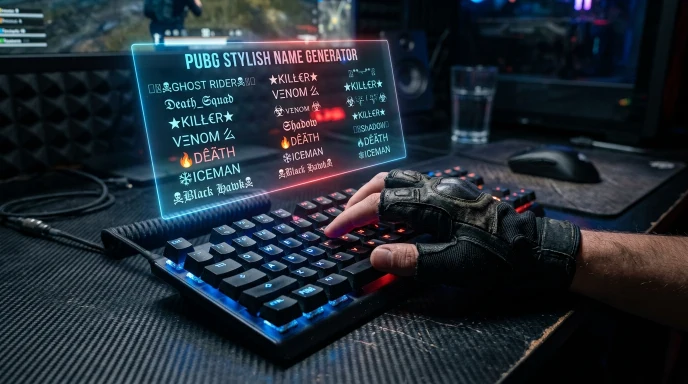
Free Fire Name Generator – Stylish Names, Symbols & Guild Tags
Quick Answer: This Free Fire name generator builds stylish names instantly using 50+ Unicode fonts, 100+ style themes, and weapon symbols sized for Free Fire’s 12-character limit. Type your name, pick a style, and generate up to 50 options at once — free, with no sign-up.
⚔️ FREE FIRE NICKNAME GENERATOR
100+ Gaming Themes, 50+ Unicode Fonts, Dynamic World Languages & FF Symbols
CUSTOMIZE & ADD SYMBOLS
Modify text or click symbols to append:
⏳ PREPARING FREE FIRE CSV...
Generating high-speed UTF-8 Unicode Free Fire names list.
Download will start automatically!
SHARE YOUR FREE FIRE NAME
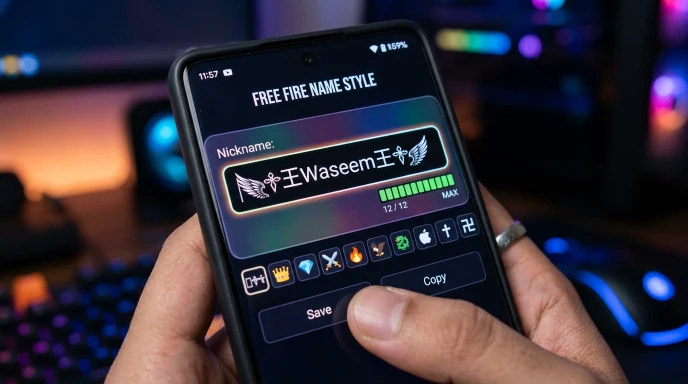
Free Fire’s 12-character nickname limit makes styling harder than it looks. Add a couple of symbols and you can burn through your character count before you’ve even finished the base word. That’s exactly the problem this generator is built to solve — it tracks length automatically and builds names that actually fit.
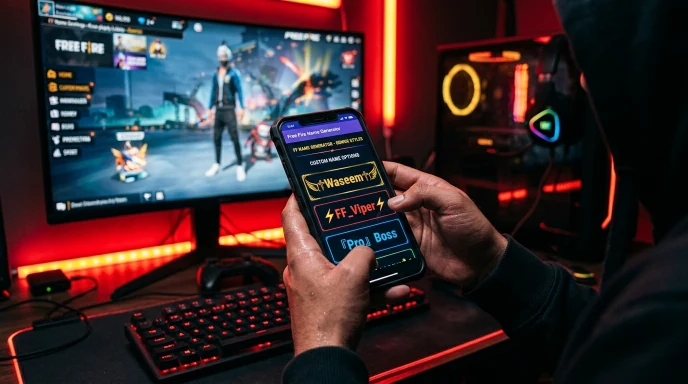
How to Use the Free Fire Name Generator
Designing a custom handle using our free fire name generator with symbols is fast and effortless. Follow these 7 steps to build your custom tag:
Step 1:
Enter your name or guild tag. Type a first name, and optionally a middle or last word — a nickname, theme word, or your guild’s short tag.
Step 2:
Pick a script translator (optional). Style your name in Arabic, Japanese Katakana, Korean Hangul, Russian Cyrillic, or 40+ other scripts.
Step 3:
Choose a font style. Browse 50+ Unicode styles — Gothic Bold, Cursive Script, Double Struck, Small Caps, Monospace, and more.
Step 4:
Select a theme. Pick from 100+ categories — Snipers, Royal Crowns, Assassin, Cyberpunk, Dragon Lord, Ice & Frost — each applying its own symbol pattern.
Step 5:
Add a weapon or symbol icon (optional). Choose from 50+ icons — sniper art, crowns, wings, stars, diamonds — and set the position: front, back, or both.
Step 6:
Set quantity and length. Generate 1 to 50 names, and filter by “Free Fire Ideal” (8-12 characters) so results actually fit the game’s limit.
Step 7:
Generate, edit, and copy. Hit generate, tap any name to fine-tune it — you can even add extra symbols with one click in the built-in editor — then copy it straight to
The Technology Behind It
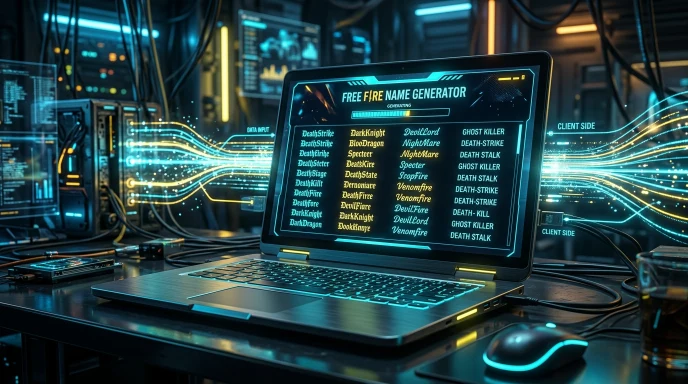
Everything runs directly in your browser. There’s no upload, no server processing your input, and no account needed — the generator builds and displays results instantly through client-side code, which keeps it fast even when producing 50 names in one batch.
Styling happens in layers: your input first passes through the script translator (if selected), then the Unicode font mapper, then the theme formatter that adds symbols and brackets. Because each layer works independently, the same base name can produce thousands of different combinations rather than pulling from a fixed list.
Key Features & Practical Benefits
- 50+ Unicode font styles — from Gothic and Fraktur to bubble text and glitch effects.
- 100+ style themes — Sniper, Warlord, Samurai, Phantom, Viking, and dozens more.
- 40+ language script options — style your name in Arabic, Hindi, Korean, Russian, Greek, and more.
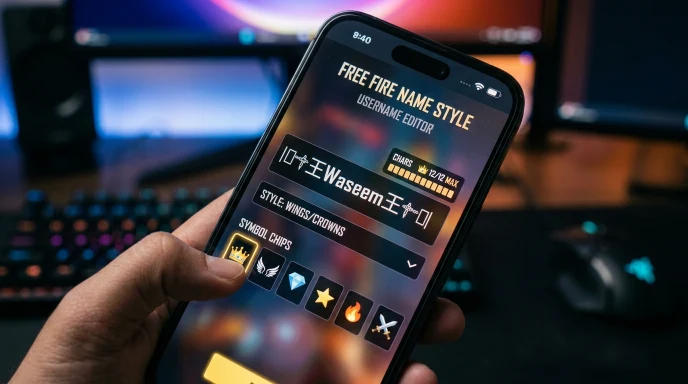
- Built-in name editor with one-click symbols — tap any generated name, then click a symbol chip to add it instantly, or type your own custom symbol.
- One-tap copy, like, and share — share to WhatsApp, Telegram, Facebook, Twitter/X, Snapchat, LinkedIn, or email.
- CSV export — download your full generated list to review or share with your guild.
- Custom guild badge upload — attach a small icon (100–500KB) alongside your generated names.
- Free Fire-specific length filter — jump straight to short, Free-Fire-ideal (8-12 characters), or longer guild-style results.
- Generous daily limit — up to 1000 names per day, refreshed with a short 10-minute cooldown if you hit it.
Free Fire Name Rules & Formatting Limits
| Parameter | Free Fire Nickname Rules | Guild / Squad Tag Specs | Recommended Best Practices |
| Max Character Limit | 12 Characters | 12 Characters | Keep base name under 8 chars when adding symbols |
| Rename Item Required | Name Change Card / 390 Diamonds | Guild Leader Approval / Diamonds | Always test in editor before burning Diamonds |
| Symbol Rendering | Custom Unicode & ASCII symbols | Custom Unicode & ASCII symbols | Avoid stacked symbols that break on smaller screens |
| Spaces & Blank Text | Invisible Unicode Space supported | Invisible Unicode Space supported | Use single invisible spaces for clean separation |
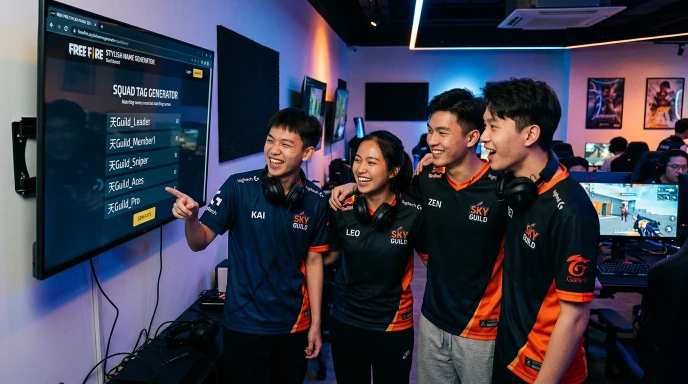
Free Fire Nickname Style Strategies for Guilds and Squads
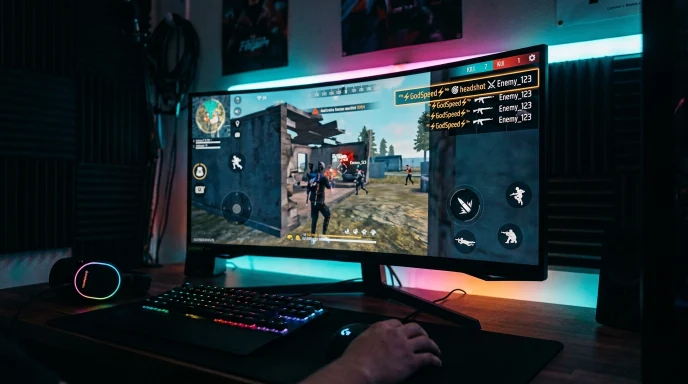
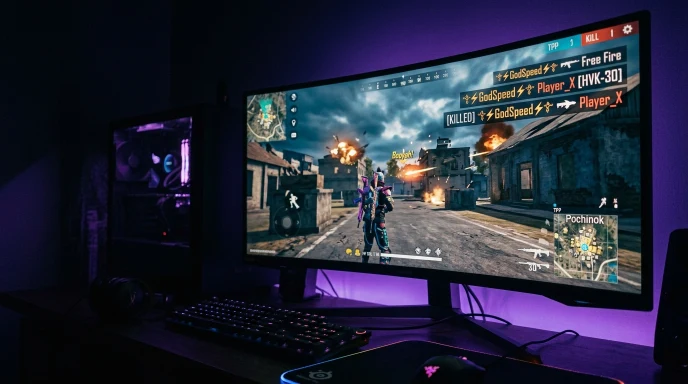
Building a recognized esports squad or guild requires visual consistency on the kill feed. When designing your team identity with our free fire name generator, consider these three proven styles:
Minimalist Pro Style: Short, symbol-light handles in clean Small Caps or Monospace fonts. High-tier competitive players favor clean text that reads easily in fast matches.
Bracketed Guild Tags: Frame your guild tag in styled brackets before each member’s handle (e.g.,
꧁BOSS꧂_Name).Symbol Symmetry: Use matching side decorations—such as wing brackets (
꧁༺ ༻꧂) or crown crests (♚)—around distinct player names to maintain squad identity.
Free Fire Name Generator vs. Manual Naming
| Method | Speed | Style Variety | Fits 12-Char Limit | Cost |
|---|---|---|---|---|
| Our Free Fire Name Generator | Instant — up to 50 names per click | 100+ themes | Auto-filtered | Free |
| Typing manually in-game | Slow — trial and error | Whatever you can think of | Manual counting required | Free |
| Static “name list” articles | Slow — scrolling fixed lists | Limited to what’s published | Not guaranteed | Free |
Manual typing means counting characters yourself and guessing which symbols will fit. The generator handles the counting automatically, so you’re not stuck deleting a symbol after the game rejects your name.
Common Mistakes to Avoid
- Ignoring the 12-character limit. Every symbol and Unicode character counts as 1 character in Free Fire — a heavily decorated name can eat your limit fast. Use the length filter to stay safe.
- Stacking too many symbol categories. Mixing wings, crowns, and weapon art in one name usually looks cluttered rather than stylish. Stick to one theme.
- Picking a trend-based name. A name tied to this season’s event ages badly within a few months.
- Skipping the preview step. Always copy your final choice and check exactly how it displays inside Free Fire before committing — some characters render differently across devices.
Why Choose Our Tool
Most Free Fire name generators hand you a static list or a single font swap. This one builds names live, from your own input, layering scripts, fonts, themes, and symbols together — and it automatically respects Free Fire’s 12-character limit so you’re not stuck manually counting. We keep the theme and symbol library updated regularly, so the styles here stay current with what’s actually trending in-game rather than going stale. No sign-up, no cap on how many times you regenerate.
The Ultimate Success Checklist
- Enter a base name that means something to you
- Try at least two different themes before choosing
- Keep the length filter set to "Free Fire Ideal" (8-12 characters)
- Preview the name in the built-in editor before copying
- Test the copied name directly in Free Fire's rename screen
- Keep a backup option in case your first choice is taken
Frequently Asked Questions (FAQs)
How to write my FF name in style?
Type your name into a generator like this one, pick a Unicode font and a symbol theme, then copy the result directly into Free Fire’s name field — manually styling text character by character is much slower and more error-prone.
Is there a stylish name generator for Free Fire?
Yes — this tool generates stylish Free Fire names automatically using 50+ fonts and 100+ symbol themes, built specifically around Free Fire’s 12-character nickname limit.
What is the best name style for Free Fire?
It depends on your play style — sniper or warlord themes suit aggressive, competitive players, while wings, crowns, or minimalist styles suit a more decorative or casual profile.
How do I copy an FF ID name?
Generate or find the name you want, tap copy (or manually select and copy the text), then paste it into Free Fire’s profile edit screen under the rename option.
What is a good pro nickname for Free Fire?
Pro-style nicknames tend to be short, bold, and symbol-light — clean fonts with minimal decoration read best in a fast-moving match and stay legible on the kill feed.
How do I make my FF name style unique?
Combine an uncommon base word with a specific theme instead of copying a name you saw elsewhere. Avoid single common words like “King” or “Pro” on their own — they’re almost always taken.
Final Thoughts: Stand Out in the Free Fire Lobby
Free Fire’s tight character limit makes manual name styling frustrating — one extra symbol and you’re over the cap. This generator handles the counting for you, building fully styled, ready-to-copy names from 50+ fonts and 100+ themes in seconds. For more naming tools across other games, check out our full Username Generator Gaming collection.
Disclaimer:
Generated names are suggestions only. Availability inside Free Fire is not guaranteed and should be verified directly in-game before use. This tool is not affiliated with or endorsed by Garena.
What the Name Idea Lab Community Says
Average Rating: 4.9/5 based on our beta users