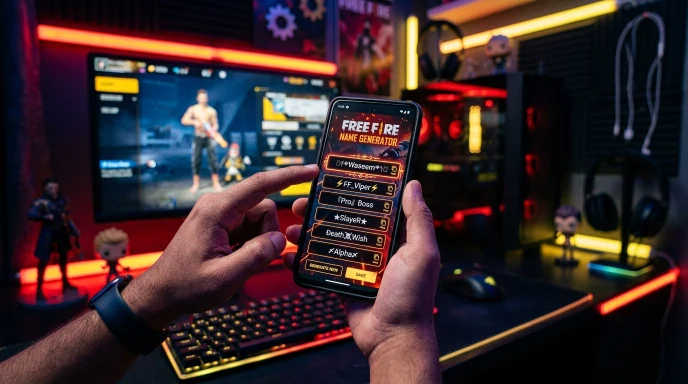
PUBG Name Generator – Stylish Names, Symbols & Clan Tags
Quick Answer: This PUBG name generator builds stylish names instantly using 50+ Unicode fonts, 100+ style themes, and weapon symbols. Type your name, pick a style, and generate up to 50 options at once — free, with no sign-up, running right in your browser.
⚔️ PUBG / BGMI STYLISH NAME GENERATOR
100+ Gaming Themes, 50+ Unicode Fonts, Dynamic World Languages & Pro Emojis
CUSTOMIZE YOUR PUBG NAME
Modify text or tap symbols below to insert:
⏳ PREPARING TACTICAL CSV...
Generating high-speed UTF-8 Unicode PUBG names list.
Download will start automatically!
SHARE YOUR PUBG NAME
If you’ve ever typed the same three or four ideas into PUBG’s name field only to hit “already taken” every time, you already know how frustrating this gets. Common words run out fast when millions of players are picking from the same short list of themes.
This tool skips that entire problem. It builds names by combining your input with fonts, symbols, and clan-style formatting, so you get fresh, ready-to-use options instead of digging through the same recycled list everyone else has already tried.
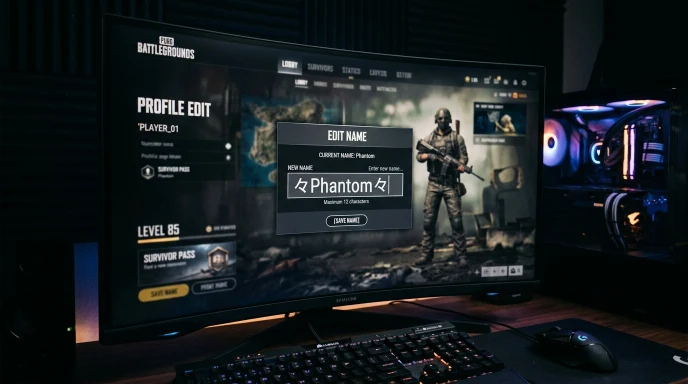
How to Use the PUBG Name Generator
Creating a high-visibility handle using our pubg name generator with symbols is fast and simple. Follow these 7 steps to build your custom tag:
Step 1:
Enter your name or clan tag. Type your first name, and add a middle or last word if you want a longer combination — this could be a nickname, a theme word, or your clan’s short tag.
Step 2:
Pick a script translator (optional). Want your name styled in Arabic, Japanese Katakana, Korean Hangul, Russian Cyrillic, or one of 40+ other scripts? Select it here — the tool converts your input automatically.
Step 3:
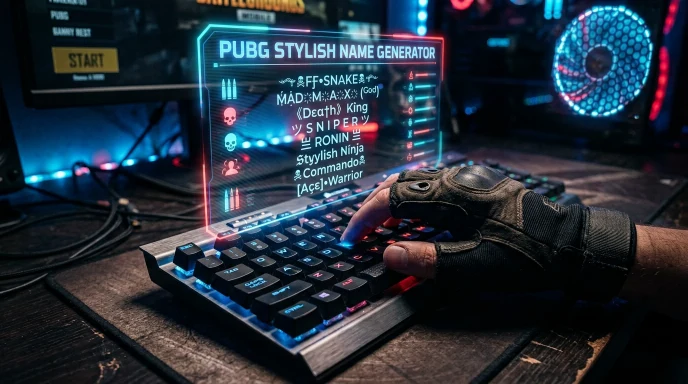
Choose a font style. Browse 50+ Unicode styles — Gothic Bold, Cursive Script, Double Struck, Small Caps, Monospace, and more.
Step 4:
Select a theme. Pick from 100+ categories like Snipers & Guns, Royal Crowns, Assassin, Cyberpunk, Dragon Lord, or Ice & Frost — each applies a different symbol pattern around your name.
Step 5:
Add a weapon or symbol icon (optional). Choose from 50+ icons — AWM sniper art, crowns, wings, stars, or clan-bracket symbols — and set whether it appears at the front, back, or both sides of your name.
Step 6:
Set your quantity and length. Generate 1 to 50 names at once, and filter by character length so results fit PUBG’s ID limits.
Step 7:
Generate, edit, and copy. Hit generate, tap any name to fine-tune it in the built-in editor, then copy it straight to your clipboard.
The Technology Behind It
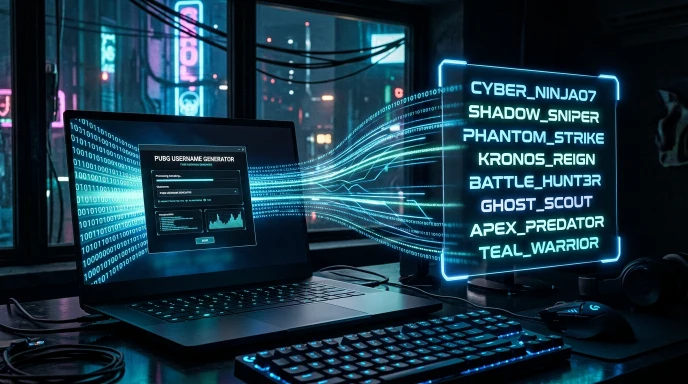
Everything happens directly in your browser. There’s no upload, no server processing your name, and no account required — the generator builds and displays results instantly using client-side code, which is also why it feels fast even when you’re generating 50 names at once.
The style engine works in layers: your input first runs through the script translator (if selected), then through the Unicode font mapper, then through the theme formatter that adds symbols and brackets. Because each layer is independent, you get thousands of possible combinations from the same base name — not a fixed list of pre-written options.
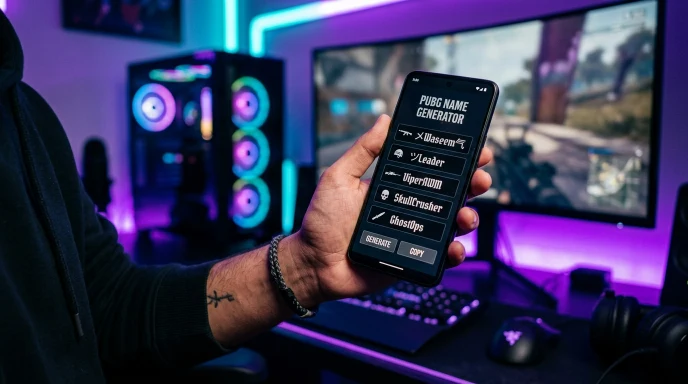
Key Features & Practical Benefits
- 50+ Unicode font styles — from Gothic and Fraktur to bubble text and glitch effects.
- 100+ style themes — Sniper, Warlord, Samurai, Phantom, Viking, and dozens more, each with its own symbol set.
- 40+ language script options — get your name styled in Arabic, Hindi, Korean, Russian, Greek, and more.
- Built-in name editor — tap any generated name to tweak it manually, with a quick-insert symbol toolbar right in the editor.
- One-tap copy, like, and share — share directly to WhatsApp, Telegram, Facebook, Twitter/X, Snapchat, LinkedIn, or email.
- CSV export — download your full generated list to review later or share with your squad.
- Custom clan badge upload — attach a small icon (100–500KB) that appears alongside your generated names.
- Character length filter — jump straight to short, PUBG-ideal, or longer clan-style results.
- Fair-use daily limit — up to 300 names per day, which is more than enough for finding a name you'll actually keep.
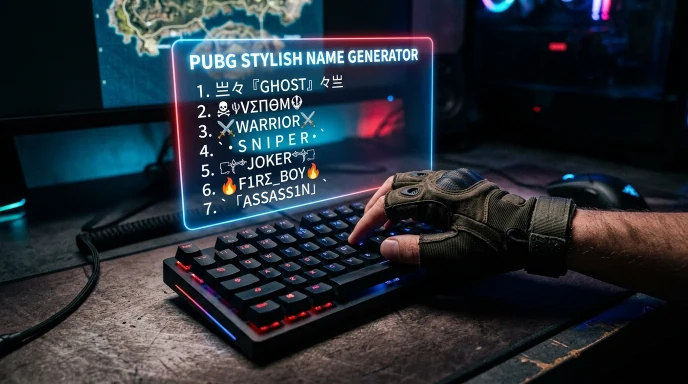
PUBG Character Rules & Renaming Mechanics
| Parameter | PUBG Mobile Specs | PUBG PC / Console Specs | Recommended Best Practices |
| Max Character Limit | 14 Characters | 16 Characters | Keep under 12 characters when using symbols |
| Renaming Item Required | Rename Card (ID Card) | Name Change Card / G-Coins | Always test in editor before consuming cards |
| Symbol Rendering | Android & iOS Unicode | Standard Latin & Select ASCII | Limit heavy Unicode symbols to avoid ? glitches |
| Allowed Characters | Letters, numbers, Unicode symbols | Standard characters, numbers, -, _ | Test symbol compatibility across both OS types |
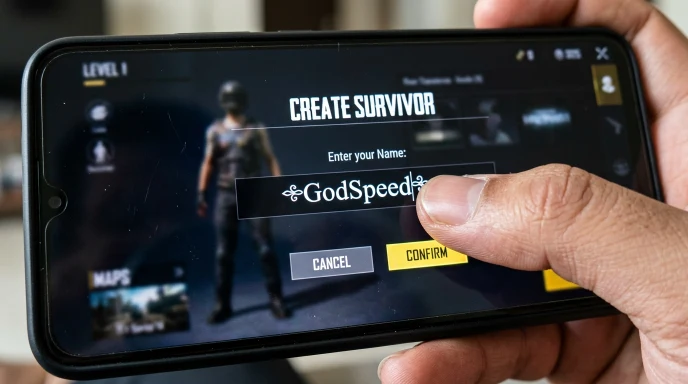
Real-World Examples
Scenario A: Picking a Solo Ranked Name
A player wants a clean, intimidating name for ranked matches. They type “Waseem,” skip the script translator, choose the Sniper Elite theme, and set the length filter to “PUBG Ideal.” In seconds, they get a batch of tactical, snipe-themed names with weapon symbols — no manual brainstorming required.
Scenario B: Building a Clan Tag
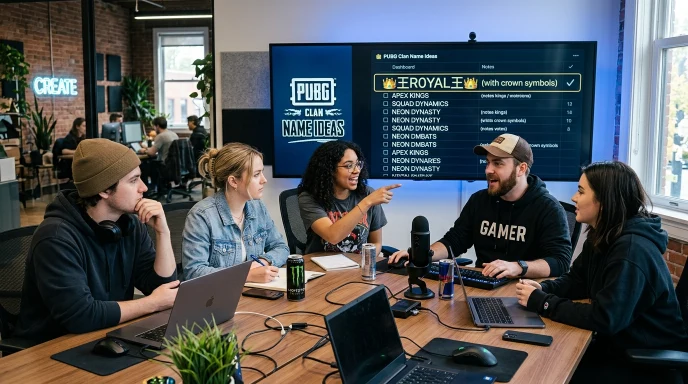
A squad leader needs a short, matching tag for five teammates. They enter a base word, pick the Royal Crowns theme, and generate 20 options. Everyone in the squad picks a variation from the same batch, keeping the clan’s naming style consistent across the whole team.
PUBG Name Generator vs. Manual Naming
| Method | Speed | Style Variety | Symbols & Fonts | Cost |
|---|---|---|---|---|
| Our PUBG Name Generator | Instant — up to 50 names in one click | 100+ themes | 50+ fonts, 40+ scripts | Free |
| Typing manually in-game | Slow — trial and error | Whatever you can think of | None (plain text only) | Free |
| Static “name list” articles | Slow — scrolling through fixed lists | Limited to what’s published | Usually none | Free |
Manual typing and static lists both work, but they run out of options fast. A generator gives you a new batch every time you click, so you’re not stuck picking from the same handful of names everyone else already tried.
Why Choose Our Tool
Most PUBG name generators hand you a static list or a single font swap. This one builds names live, from your own input, using an actual combination engine — fonts, scripts, themes, and symbols layered together — instead of pulling from a pre-written list. We built it to solve the exact problem players run into every day: running out of fresh, working name ideas. No sign-up, no limits on how many times you regenerate, and everything happens instantly in your browser.
Common Mistakes to Avoid
- Overloading with too many symbols. A name wrapped in five different decorations often gets cut off or displays incorrectly on some devices. Two symbols, max, usually reads best.
- Ignoring PUBG’s character limit. Long clan-style names look great in the preview but may get truncated in-game. Use the length filter to stay within a safe range.
- Picking a name tied to a current trend. A name based on this season’s event or meme won’t age well past a few months.
- Skipping the copy-and-test step. Always copy your final choice and check exactly how it displays inside PUBG before committing — some fonts render differently across devices.
The Ultimate Success Checklist
- Enter a base name that means something to you (not just a random word)
- Try at least two different themes before settling on one
- Keep the length filter set to "PUBG Ideal" for the safest fit
- Preview the name in the built-in editor before copying
- Test the copied name directly in PUBG's name field
- Save a backup option in case your first choice is taken
Frequently Asked Questions (FAQs)
What are good clan names?
Good clan names are short, easy to say in voice chat, and consistent across your whole squad. Picking one base theme — like a symbol set or font style — and applying it to each member’s name keeps the clan identity recognizable.
What name is best for PUBG?
The best PUBG name is short (under 15 characters), pronounceable, and doesn’t rely on random numbers. A name that reads cleanly on the kill feed and scoreboard tends to be remembered longer than one packed with symbols.
What is the best name style for PUBG?
It depends on your play style — sniper or warlord themes suit competitive players, while decorative wing or crown styles are popular for a more stylish, casual look. Try a few themes in the generator to see what fits.
How to set my PUBG name?
Generate and copy your name here, then open PUBG, go to your profile settings, select “Edit Name,” and paste it in. Note that PUBG limits free name changes, so double-check your choice before saving.
How do I keep a unique name in PUBG?
Combine an uncommon base word with a specific theme rather than a generic word alone. Avoid globally popular single words like “King” or “Pro” on their own — they’re almost always taken.
What is a cool guild name?
A cool guild or clan name usually pairs a short, punchy word with matching symbols or brackets across every member’s tag, making the group instantly recognizable in-game.
Final Thoughts: Elevate Your In-Game Presence
Finding a PUBG name doesn’t have to mean scrolling through the same recycled lists. Type your name, pick a style, and let the generator do the combining — you’ll have dozens of fresh, ready-to-copy options in under a minute. Looking for names for other games too? Check out our full username generator gaming collection for more tools built the same way.
Disclaimer:
Generated names are suggestions only. Availability inside PUBG is not guaranteed and should be verified directly in-game before use. This tool is not affiliated with or endorsed by KRAFTON, Inc. or PUBG Corporation.
What the Name Idea Lab Community Says
Average Rating: 4.9/5 based on our beta users