
Discord Username Generator: Unique Names in Any Vibe or Script
Quick Answer: This Discord username generator turns your name or a keyword into a batch of styled usernames, choose a vibe like Gaming, Anime, or Roleplay, add a font, script, or symbol, then copy your favorite straight to your clipboard. It’s free, runs in your browser, and needs no signup.
💬 DISCORD NAME GENERATOR
100+ Languages, 300+ Symbols, Custom Icon Uploader & Real-Time Dynamic Generator
CUSTOMIZE DISCORD NAME
Click to add symbol:
Discord usernames sit on almost every server you join, so a generic one gets old fast. I built this generator so you can land on something that actually fits your vibe, whether that’s a gaming server, a study group, or a full roleplay community.
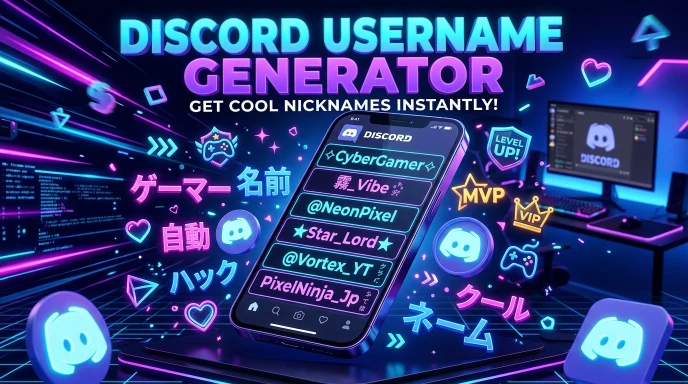
How to Use Our Username Generator for Discord to Build a Unique Profile
Finding catchy discord username ideas or creating a clean global handle is effortless with our discord usernames generator. Here is how to generate your next handle in 5 simple steps:
Step 1:
Add Your Name or Keyword Type your name, niche, or any word into the Primary Keyword field. Add an optional prefix and a suffix or tag if you want your username built around a specific structure.
Step 2:
Pick a Name Niche This generator includes Discord-specific categories: Gaming & Esports, Community & Hangout, Tech & Coding, Anime & Manga, Music & Lofi, and Roleplay & Lore, plus general categories like Comedy, Fitness, Foodie, Travel, and Art. If none of them fit, leave it on standard and generate from a plain base name instead.
Step 3:
Choose Your Script, Font, and Symbols Beyond a standard font, you can style your username using a different script entirely, Japanese, Korean, Arabic, Urdu, Russian, Hindi, Chinese, Greek, and more, or apply a math-bold or small-caps style. Add a symbol on top if you want extra flair, front, back, or both sides, and upload your own custom avatar image to attach to your favorite results.
Step 4:
Set Your Length and Generate Use the length filter to keep results in Discord’s easy-to-read range, then hit generate. A random idea button is also available if you’d rather start from a surprise base word.
Step 5:
Copy, Save, and Export Tap “Check Discord” on any result to copy it and open Discord so you can try claiming it directly. Like or save favorites to come back to later, edit any result, and download your full batch as a CSV file to compare later.
The Technology Behind It
This generator runs entirely in your browser. There’s no server processing your input and no account required, so your name ideas are never uploaded or logged anywhere outside your own device. Saved and liked names are stored locally in your browser.
Under the hood, it pairs your input with pattern-based word banks tied to each niche category, then runs the result through whichever font, script, and symbol options you’ve selected. A generation meter tracks your activity as you go, the same style of usage indicator used across every generator on this site, so you always have a sense of where you stand without needing an account.
Unlike some Discord generators that check availability directly, this one focuses on generating and styling, then copies your pick and takes you straight to Discord so you can try claiming it yourself, since availability on Discord changes constantly and only Discord’s own signup flow can confirm it for certain.
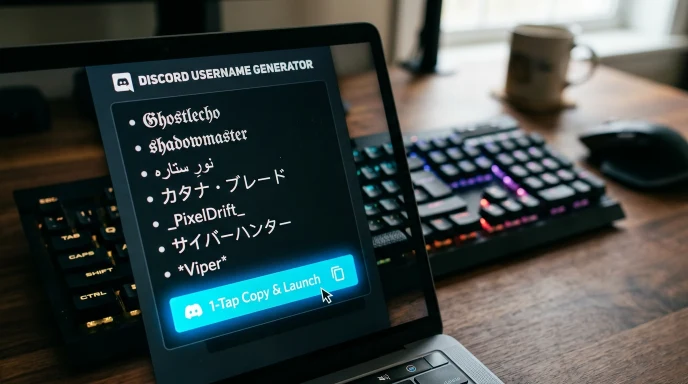
Core Benefits & Advantages
- Genuinely private. Nothing you type leaves your browser.
- Instant results. No page reloads, results update as you type.
- Discord-specific niches. Not just generic naming, categories built around Gaming, Anime, Roleplay, and more.
- Multi-script support. Style your username in multiple scripts and languages, not just English fonts.
- 300+ symbols and a custom avatar uploader. Attach your own image to a favorite result.
- One-tap copy and launch. Copies your name and opens Discord so you can try it immediately.
- CSV export. Download your shortlist to compare later or share with a friend or co-mod.
- No signup required.
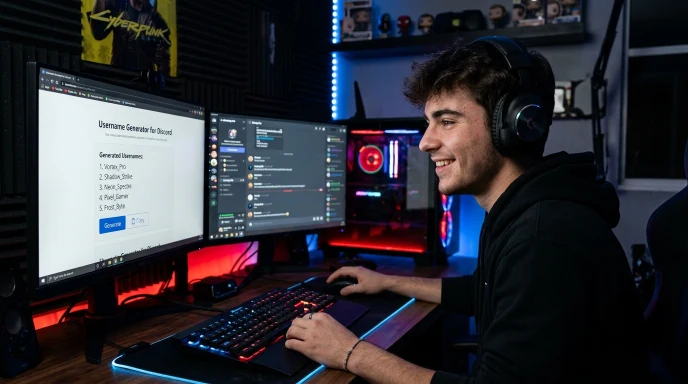
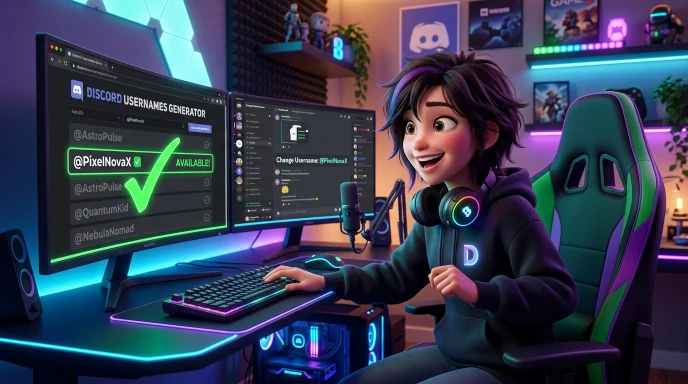
Discord Username Ideas by Style
Different servers tend to reward different structures. Gaming and esports communities usually favor short, punchy names built around action words. Anime and roleplay servers lean into more expressive, character-style names. Tech and coding spaces tend to favor clean, minimal names that read well in a channel list. Aesthetic and y2k-style names work well for community and hangout servers where personality matters more than function.
Feature Comparison
| Feature | This Generator | Other Online Tools | Manual Brainstorming |
|---|---|---|---|
| Speed | Instant | Varies, often server delay | Slow |
| Data Privacy | 100% browser-side, nothing stored | Often sent to a server | N/A |
| Discord-Specific Niches | Yes, 6 platform-built categories | Rare | N/A |
| Script/Language Options | Multiple scripts | Rare | N/A |
| Custom Avatar Upload | Yes | Rare | N/A |
| One-Tap Copy & Launch | Yes | Rare | Manual |
| CSV Export | Yes | Rare | N/A |
| Cost | Free | Varies | Free |
Discord Username vs Display Name vs Server Nickname
Understanding how identity works on Discord is essential when choosing a handle:
Global Username (
@username): Must be 100% unique across Discord. Restricted to 2-32 lowercase characters, numbers, underscores (_), and periods (.). No special fonts or emojis allowed.Global Display Name: Shown on your main profile and direct messages. Supports spaces, uppercase letters, special characters, and aesthetic Unicode fonts.
Server Nickname: Customized per server you join. Can be styled with symbols, different fonts, and unique server role colors.
Real-World Scenarios
Scenario A: A gaming server regular. You type your name, pick “Gaming & Esports,” and get back options built around energy and personality rather than a plain word plus numbers.
Scenario B: An anime or roleplay community member. You choose “Anime & Manga” or “Roleplay & Lore,” and land on names that fit the tone of that space specifically.
Scenario C: Someone who wants a distinct visual identity. You keep your base word in English but apply a script style, an Urdu or Japanese-inspired transformation, for example, so the name looks unique while staying readable to friends who already know you.
Discord Handle Structures by Community Vibe
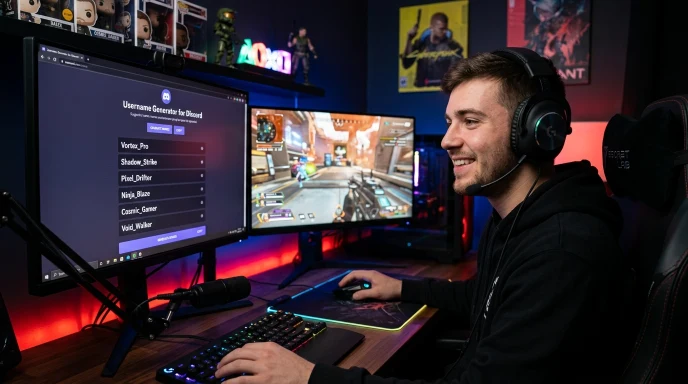
| Server Niche | Ideal Handle Structure | Strategy Focus | Example Output Style |
| Gaming / Esports | Punchy + Action Word | Short, energetic, high visibility | VortexPulse |
| Anime & Manga | Aesthetic Noun + Japanese Script | Expressive, character-driven | Kage影 |
| Tech & Coding | Minimalist / Extension | Clean, professional, short | syntax.dev |
| Community / Lofi | Soft Mood + Cute Symbol | Casual, chill, relatable | soft_cloud☁ |
| Roleplay & Lore | Fantasy Title + Lore Word | Immersive, thematic | Valen_Starfall |
Expert Pro-Tips for Best Results
- Start with the niche, not the word. Picking your category first usually produces a stronger, more on-brand result.
- Try a script style if your name is taken everywhere. A visual variation can free up a name that’s otherwise gone.
- Don’t overload on symbols. One or two placed well look intentional, five stacked together just get mistyped by other members.
- Remember your username is separate from your nickname. You can set a fun nickname per server even if your global username stays simple.
The Ultimate Success Checklist
- Picked a niche category that actually matches the servers you're on
- Tried at least one script or font variation if the plain version felt generic
- Kept the name short enough to read cleanly in a channel or member list
- Copied your top 2-3 favorites and tried claiming them directly on Discord
- Confirmed the same or a close variation is available on other platforms too
- Said the name out loud to make sure it's easy to repeat
Common Questions, Answered
What's the difference between a Discord username, nickname, and display name?
Your username is global and unique across all of Discord. Your display name is also global but doesn’t have to be unique. Your nickname only applies to one specific server and can be different in every one you join.
Are the generated Discord usernames guaranteed to be available?
No generator can guarantee availability, since Discord usernames are claimed constantly. Copy your favorite and try it directly in Discord’s account settings to see if it’s free.
What are the rules for a Discord username?
Discord usernames must be lowercase, between 2 and 32 characters, and can include letters, numbers, underscores, and periods.
Can I use fancy fonts or symbols directly in my Discord username?
Discord’s actual username field is fairly strict, but your display name and per-server nickname accept far more styling, including symbols and Unicode fonts, so save the fancier styles for those.
How do I check if a Discord username is available before changing mine?
Open Discord’s account settings and try entering the name directly. If Discord accepts it without an error, it’s available.
Why does Discord lowercase my username automatically?
Discord usernames are case-insensitive by design, so the system normalizes everything to lowercase to avoid confusion between similar-looking names.
Final Thoughts: Stand Out Across Every Discord Server
Your Discord username shows up in every server you’re part of, so it’s worth a minute of real thought instead of whatever’s left after a few failed attempts. Pick your vibe, try a script or symbol if you want something visually distinct, generate a batch, and try your favorite directly in Discord. If you’re setting up your presence on other platforms too, the tiktok username generator, instagram name generator, and youtube name generator on Name Idea Lab work the same way, and you can browse every social media name generator on Name Idea Lab’s main hub.
Disclaimer:
The usernames generated by this tool are for creative and informational purposes only. Always verify availability directly on Discord before finalizing your account name.
What the Name Idea Lab Community Says
Average Rating: 4.9/5 based on our beta users