
Roblox Username Generator – Unique Names & Display Tags
Quick Answer: This Roblox username generator builds unique names instantly using 50+ Unicode fonts and 100+ Roblox-specific themes like Blox Fruits, Adopt Me, and Da Hood. Type your name, pick a style, and generate up to 50 options at once — free, with no sign-up.
🤖 ROBLOX DISPLAY NAME GENERATOR
100+ Roblox Gaming Themes, 50+ Unicode Fonts, Dynamic Scripts & Aesthetic Symbols
CUSTOMIZE YOUR ROBLOX NAME
Modify text or tap symbols below to insert:
⏳ PREPARING ROBLOX CSV...
Generating high-speed UTF-8 Unicode Roblox names list.
Download will start automatically!
SHARE YOUR ROBLOX NAME
Roblox has been around since 2006, and short, clean usernames have been claimed for years. Genuine 3- and 4-letter names are essentially gone, and even longer common words are picked over. This tool builds fresh combinations from your own input instead of leaving you to guess at what might still be free.
My Friend's Experience With This Tool
Let me make this clear: this is not my personal experience. It is the experience of my friend.
He is my childhood friend, and one day he asked me for help. He plays the Roblox game a lot. I do not have much interest in this game, although sometimes I play it with him, but it is not really my hobby.
He asked me to create a Roblox username for him because finding a good username was difficult for him.
Since we have our website, Name Idea Lab, I thought about adding a new tool for this purpose. I am the founder and developer of Name Idea Lab, so I decided to create the tool and help him.
I accepted his request and started working on the tool. Before making it live, I researched the topic and then built the tool.
After creating it, I gave it to him to use. He provided me with his review and feedback about the tool. After I received his feedback, I decided to make the tool live.
You can also try this tool yourself and see how it works.
Tip About the Name Limit
There is also a limit on this tool. At the moment, you can generate up to 300 names. This limit is set to keep the tool running smoothly and prevent problems caused by high traffic.
The limit is only for a short period of time. After 15 minutes, you can generate names again.
One more thing: if you contact us through a personal message, we can tell you about the current limit and provide more information.
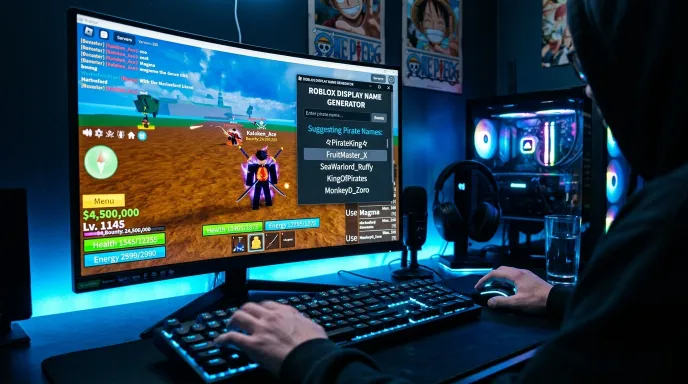
Important: Username vs. Display Name
Before generating, it helps to know Roblox actually has two separate name fields, and they follow different rules:
- @Username — your permanent account handle. Roblox restricts this to letters, numbers, and a single underscore. No spaces, no symbols, no Unicode fonts.
- Display Name — the name shown above your avatar and in chat. This field is far more flexible and does support Unicode styling and symbols in most cases.
This generator’s themed, symbol-rich results are built for your Display Name, since Roblox’s strict @username field can’t accept most of the styling this tool applies. If you need a plain, rule-compliant @username, use the Style Category set to “Clean & Bold Pro Gaming” and skip the symbol field entirely.
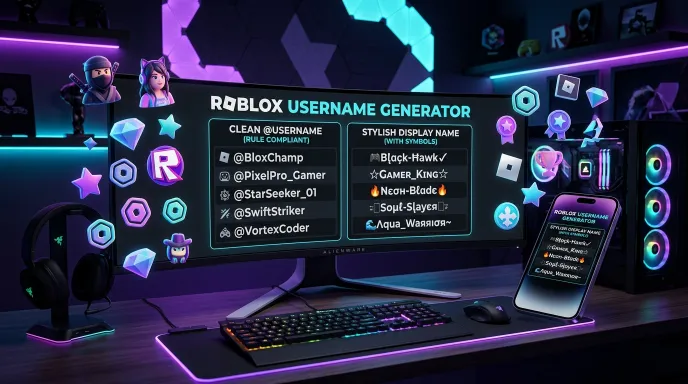
How to Use the Roblox Username Generator
Creating an available handle with our roblox username generator is simple. Follow these 7 steps to generate clean @usernames and decorated display titles:
- Enter your name or tag. Type a first name, and optionally a middle or last word — a nickname, theme word, or clan tag.
- Pick a script translator (optional). Style your name in Arabic, Japanese Katakana, Korean Hangul, Russian Cyrillic, or 25+ other scripts.
- Choose a font style. Browse 50+ Unicode styles — Gothic Bold, Aesthetic Cursive, Double Struck, Small Caps, and more.
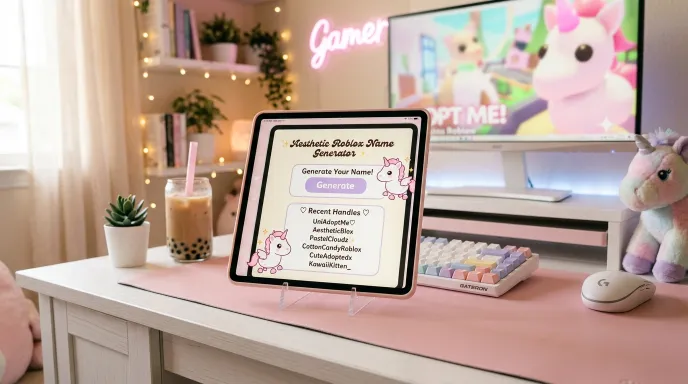
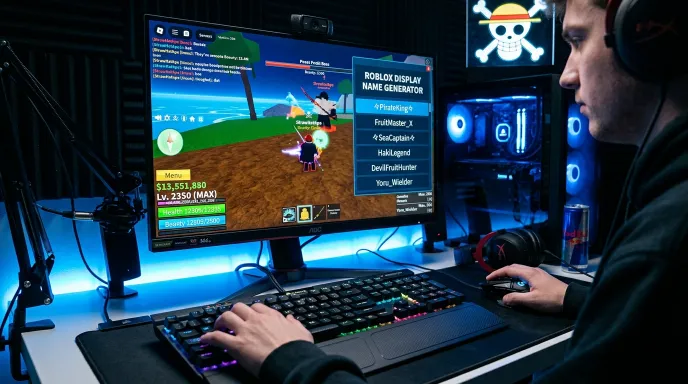
- Select a theme. Pick from 100+ categories built around actual Roblox game modes — Blox Fruits, Adopt Me, Da Hood, Royale High, BedWars, Bloxburg, Dominus & Valkyrie, and dozens more.
- Add a symbol or emoji (optional). Choose icons like crowns, diamonds, wings, or the Adopt Me unicorn, and set the position: front, back, or both.
- Set quantity and length. Generate 1 to 50 names, and filter by “Roblox Ideal” (8-15 characters) so results fit comfortably within Roblox’s 20-character display limit.
- Generate, edit, and copy. Tap any name to fine-tune it in the built-in editor — insert extra symbols directly into your text — then copy it straight to your clipboard. Like a name to save it, or share it to your platform of choice.
The Technology Behind It
Everything runs directly in your browser. There’s no upload, no server processing your input, and no account needed — the generator builds and displays results instantly through client-side code, which keeps it fast even when producing 50 names in one batch.
Styling happens in layers: your input first passes through the script translator (if selected), then the Unicode font mapper, then the theme formatter that adds symbols and brackets specific to whichever Roblox game mode you picked. Because these layers work independently, the same base name can produce a huge range of different combinations rather than pulling from one fixed list.
Key Features & Practical Benefits
- 50+ Unicode font styles — from Gothic and script fonts to bubble text and glitch effects.
- 100+ Roblox game-mode themes — Blox Fruits, Adopt Me, Da Hood, Royale High, BedWars, Bloxburg, Dominus & Valkyrie, and more, each with its own symbol pattern.
- 25+ language script options — style your name in Arabic, Hindi, Korean, Russian, Greek, and more.
- Built-in name editor with symbol insertion — tap any generated name, then insert extra symbols exactly where you want them in the text.
- One-tap copy, like, and share — share directly to WhatsApp, Telegram, Facebook, Twitter/X, Snapchat, LinkedIn, or email.
- CSV export — download your full generated list to compare later.
- Custom clan/avatar badge upload — attach a small icon (100–500KB) alongside your generated names.
- Roblox-specific length filter — short, Roblox-ideal (8-15 characters), or longer display titles up to the 20-character cap.
- Generous daily limit — up to 300 names per day, refreshed with a 15-minute cooldown if you hit it.
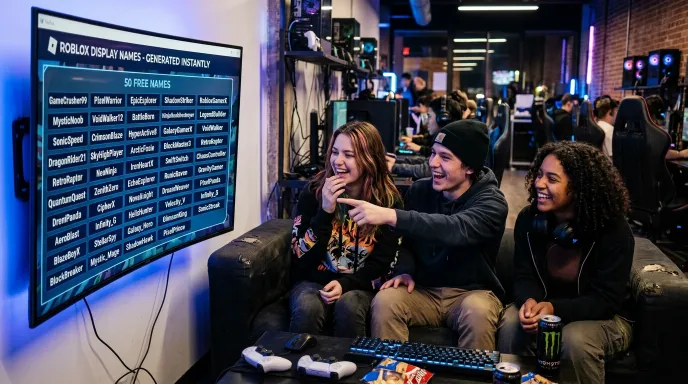
Roblox @Username vs. Display Name Rules
| Parameter | Permanent @Username Specs | Display Name Specs | Recommended Best Practices |
| Max Character Limit | 3–20 Characters | 3–20 Characters | Target 5–12 characters for clean readability |
| Allowed Characters | Letters, numbers, single underscore (_) | Letters, numbers, spaces, Unicode fonts | Skip symbols for permanent @usernames |
| Underscore Rules | Mid-name only (no start/end/double __) | Flexible / standard text spacing | Use a single mid-name underscore if taken |
| Cost & Reset Cooldown | Costs 1,000 Robux per change | Free (Once every 7 days) | Test display names for free before buying Robux |

Real-World Examples
Scenario A: A Blox Fruits Display Name
A player wants a name that fits their favorite game mode. They type “Waseem,” choose the Blox Fruits theme, and set the length filter to “Roblox Ideal.” The generator returns a batch of pirate-and-warrior-themed names ready to paste into their Display Name field.
Scenario B: A Clean, Rule-Compliant @Username
A player needs an actual account @username, not just a display name. They select the Clean & Bold Pro Gaming theme, leave the symbol field empty, and generate short, letter-based combinations that fit Roblox’s stricter @username rules.
Roblox Username Generator vs. Manual Naming
| Method | Speed | Style Variety | Roblox Rule-Aware | Cost |
|---|---|---|---|---|
| Our Roblox Username Generator | Instant — up to 50 names per click | 100+ Roblox-specific themes | Yes — separate username/display guidance | Free |
| Typing manually | Slow — trial and error | Whatever you can think of | Depends on knowing the rules yourself | Free |
| Static “name list” articles | Slow — scrolling fixed lists | Limited to what’s published | Not always accurate | Free |
Manual brainstorming means guessing which of your ideas are still available after nearly two decades of Roblox accounts. This generator produces fresh combinations every time, and separates styling meant for Display Names from what actually works in the stricter @username field.
Common Mistakes to Avoid
- Trying to save a symbol-heavy name as your @username. Roblox’s account username only accepts letters, numbers, and a single underscore — heavily styled names belong in your Display Name field instead.
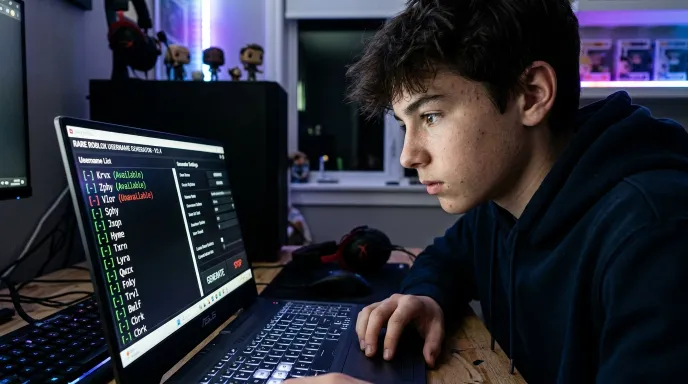
- Chasing 3- or 4-letter usernames. Genuine short OG names were claimed years ago; when one becomes available briefly, it’s usually grabbed within minutes by monitoring tools. Focus on a good 5+ letter combination instead.
- Buying or trading accounts for a “rare” username. This violates Roblox’s Terms of Service and can result in a permanent ban — there’s no safe way to buy a username.
- Using more than one underscore or starting/ending with one. Roblox’s @username rules specifically block this — stick to a single underscore placed mid-name if you use one at all.
Why Choose Our Tool
Most Roblox name generators either ignore the username-vs-display-name distinction entirely or hand you a static list that doesn’t reflect actual Roblox game culture. This tool builds names live, using themes tied to real Roblox game modes — Blox Fruits, Adopt Me, Da Hood — and clearly separates styling meant for Display Names from what actually fits Roblox’s stricter account username rules. No sign-up, no cap on how many times you regenerate.
Building names for other games too? Check out our PUBG Name Generator, Free Fire Name Generator, GTA Name Generator, and Fortnite Name Generator, or browse the full Username Generator Gaming collection.
The Ultimate Success Checklist
- Decide whether you need an @username or a Display Name — the rules differ
- Enter a base name that means something to you
- Try at least two different game-mode themes before choosing
- Keep the length filter set to "Roblox Ideal" for the safest fit
- For @usernames specifically, skip symbols and stick to letters/numbers
- Preview the name in the built-in editor before copying
Frequently Asked Questions (FAQs)
What is a good name for a Roblox username?
A good Roblox username is 5+ characters, memorable, and uses only letters, numbers, and at most one underscore — genuine short 3-4 letter names are essentially unavailable at this point.
Are 7-letter Roblox usernames rare?
7-letter usernames are less common than longer ones but still findable with the right word combination — they’re not nearly as scarce as 3- or 4-letter names, which are almost entirely claimed.
Is a 3-letter Roblox username rare?
Yes — genuine 3-letter usernames were claimed in Roblox’s early years and essentially never return. When one briefly becomes available, it’s typically grabbed within minutes by automated monitoring tools.
What is a good Roblox display name?
A good display name can use Unicode fonts and symbols, unlike the stricter @username field — themes tied to your favorite game mode (Blox Fruits, Adopt Me, Royale High) tend to feel more personal than a generic styled name.
How do you change your Roblox username?
Changing your @username costs Robux and can only be done through Roblox’s account settings. Changing your Display Name, by contrast, is typically free but limited to roughly once every 7 days.
Final Thoughts: Secure Your Next Roblox Identity
Finding a good Roblox name today means working around nearly two decades of claimed usernames — this generator helps by building fresh combinations from your own input instead of hoping a common word is somehow still free. Just remember the key distinction: symbol-styled names are for your Display Name, while your actual @username needs to stay within Roblox’s stricter letter-and-number rules.
Disclaimer:
Generated names are suggestions only. Availability on Roblox is not guaranteed and should be verified directly on the platform before use. This tool is not affiliated with or endorsed by Roblox Corporation.
Building an Identity Beyond Roblox Too
A lot of Roblox players split time between building worlds and surviving other kinds of sandboxes. If Minecraft is part of that rotation, our Minecraft Name Generator works through a nearly identical username-vs-display-name distinction, just with Mojang’s own rules instead of Roblox’s. Chasing something more competitive on the side? The Fortnite Name Generator is built for a completely different naming culture worth checking before you commit to a battle royale tag.
What the Name Idea Lab Community Says
Average Rating: 4.9/5 based on our beta users