Animated Logo Maker – Free, No Watermark & Live Code Export
Quick answer: This free animated logo maker turns your name or keyword into a moving logo, choose from 271 style presets, 47 named animations, and 10 layout options, then customize colors, speed, and size before exporting as a PNG, an animated GIF, or a ready-to-paste code snippet for your website. No signup, no watermark.
My Saved Designs
A static logo works fine for a printed business card. Online, especially on a website header, an app splash screen, or a social media profile, a bit of movement makes your brand feel more current and catches attention in a way a still image can’t. This tool is built to generate a large batch of animated logo directions from a single name, so you can compare styles instead of committing to the first idea.
My Personal Experience
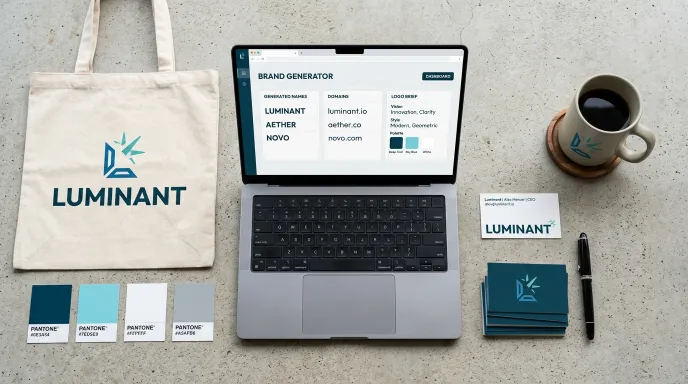
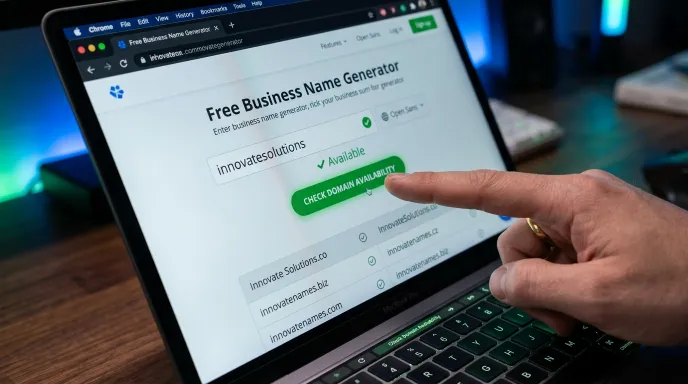
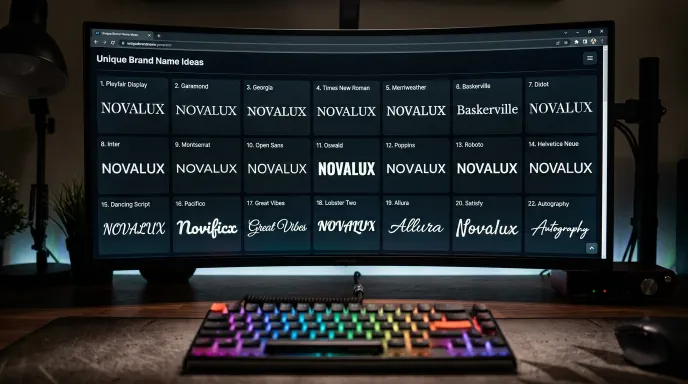
Now, let me explain another thing. You have already generated your brand name and business name ideas using our Brand Name Generator and Business Name Generator tools.
Now, we have added a coding feature to our logo tool. If you use WordPress or another platform, you can download the GIF file or copy the code and use it on your website.
We have also added a new tool, a Live Code Editor and Preview, where you can edit and preview your code.
Here is the link to that tool. You can visit it and check how it works.
I have shared these tips based on my personal experience because these features are useful and people need them when creating their own brands and websites.
Tips:
Here is a simple tip from me: If you use these four tools together, you can get more benefits. You can start by generating a business name, then create a logo, and do everything else completely free. You can also copy the code and use it on your website.
How to Use This Tool
Step 1: Enter Your Name or Keyword
Type your brand name into the input field, this becomes the text at the center of every generated logo.
Step 2: Set Your Filters
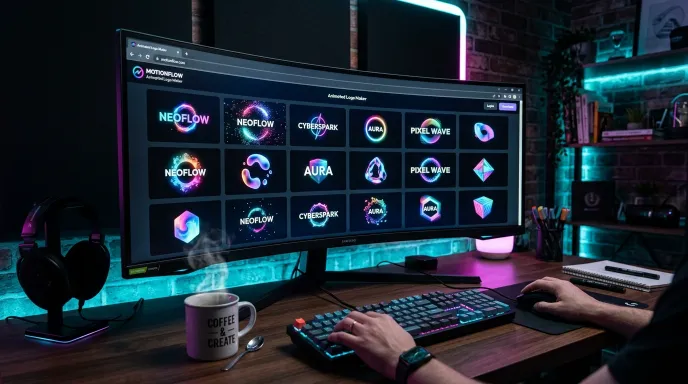
Choose a Category (Tech, Education, Business, Creative, Retro, Health, Food, Fashion, Real Estate, Gaming, or Classic), a specific Style/Theme from 271 presets, a Layout (icon left, icon right, text only, badge, framed, and more), a Text Style for typography (uppercase, script, monospace, serif, and others), a Symbol/Icon, and an Animation Type (2D, 3D-style CSS, Particle, Liquid, or Artistic effects like typing and glitch). You can also upload your own icon image instead of using a built-in one.
Step 3: Generate and Fine-Tune
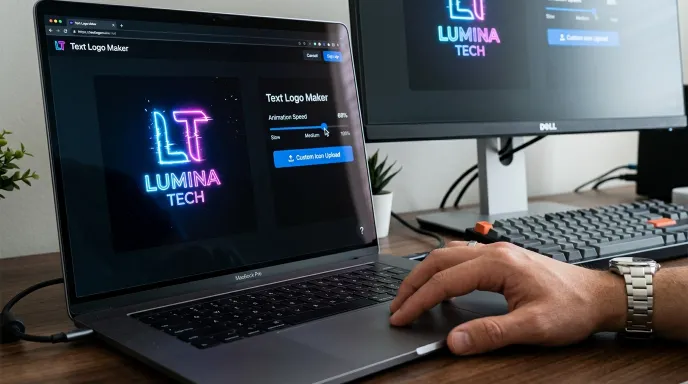
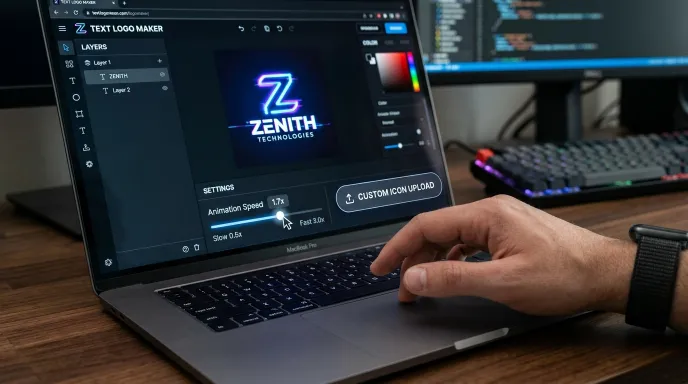
Hit Generate to get a batch of results (10, 20, or 30 at once). Each card can be individually adjusted, text color, icon color, a two-color background gradient, a transparent background toggle, a tight-crop option, animation speed, and text size, all without regenerating the whole batch.
Step 4: Export
Download your favorite as a PNG image, an animated GIF, or copy a self-contained code snippet that includes everything needed to make the exact same animation play on your own website.
Key Features and Practical Benefits
- 271 style presets across 10 categories plus a classic collection, not a small template library.
- 47 named animations across five animation families: 2D, 3D-style CSS, particle drift, liquid blob, and artistic effects like typing and glitch.
- Per-card customization, adjust colors, background, transparency, cropping, speed, and text size on any individual result.
- Upload your own icon if none of the built-in symbols fit.
- Three export options: PNG, animated GIF, or a self-contained code snippet you can paste directly onto a website.
- No watermark, no signup. Generate and export freely.
- Fair-use rate limiting. A short cooldown between generations and a daily limit keep the tool fast and available for everyone; this resets automatically each day.
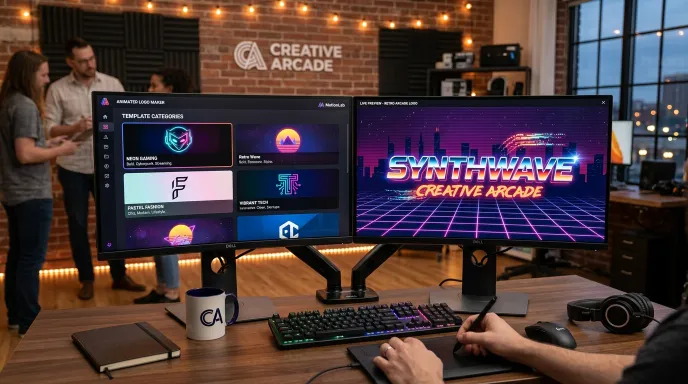
Scenario D: A Playful Logo for a Food or Lifestyle Brand
Choose the Food or Fashion category with a Pastel or Retro variant, then try a Wobble, Heartbeat, or Bounce animation from the Artistic pool for something warmer and more approachable than a corporate-feeling tech animation.
Real-World Examples
Scenario A: A Tech Startup Logo for a Website Header
Select the Tech category, try a Vibrant or Neon variant, and pick a 2D or Particle animation for a subtle, professional loop that works well as a persistent header element.
Scenario B: A Bold Animated Logo for Social Media
Try the Creative or Gaming category with an Artistic animation (like glitch or neon flicker) for something more attention-grabbing, suited to a profile intro or short-form video content.
Scenario C: A Clean Text-Only Logo
Set Layout to Text Only, pick a Serif or Monospace text style, and use a Liquid or Float animation for a minimal, typography-led result without needing an icon at all.
Why Choose This Tool vs. Typical Animated Logo Makers
| Feature | This Tool | Typical Animated Logo Makers |
|---|---|---|
| Style variety | 271 presets across 10 categories | Usually a curated template list |
| Export formats | PNG, GIF, and live code snippet | Usually video or GIF only |
| Live code embed | Yes, self-contained, paste-ready | Rarely offered |
| Watermark | None | Often present on free tiers |
| Signup required | No | Frequently required |
| Custom icon upload | Yes | Sometimes limited to paid plans |
Common Mistakes to Avoid
- Leaving every filter on random and generating once. With 271 styles and 47 animations available, a single random batch barely scratches the surface, set at least category and animation type deliberately, then compare a few batches.
- Choosing an animation that’s too busy for the intended use. A high-energy glitch or particle effect that looks great on a social intro can feel distracting as a persistent website header element, match animation intensity to where it’ll actually be used.
- Exporting a GIF when you actually need it to stay live and interactive. A GIF is a fixed-speed, fixed-size file. If you want the animation embedded and responsive on your own site, the code snippet option is the one to use instead.
- Skipping the transparent background toggle. Without it, your logo exports with a solid color box behind it, which can look out of place against a different background color elsewhere on your site.
- Not testing the speed slider. The default animation speed isn’t always the best fit, slowing down a spin or pulse animation slightly often looks more polished than the fast default.
Tips for Getting a Strong Result
- Match your category to your actual industry, category selection changes the color hues and flavor of generated themes, so it’s worth setting deliberately rather than leaving it random.
- Try more than one animation family. A subtle 2D animation and a bold Artistic one can completely change how a logo feels, even with identical text and colors.
- Use the transparent background toggle for website headers. This makes your exported logo sit cleanly on any background color without a visible box around it.
- Export the code snippet if you want it to actually animate on your site. A GIF or PNG is a static asset once downloaded; the code snippet keeps the animation live and interactive.
Frequently Asked Questions (FAQs)
How do I make an animated logo?
Type your name, choose a category, style, layout, and animation type, then generate a batch. Fine-tune colors and speed on any result you like, and export it as a PNG, GIF, or a code snippet for your website.
Is this tool a logo animation maker with AI?
No. Logos are generated using a structured, formula-based system of categories, color variants, layouts, and animation patterns, not an AI model. This makes results consistent and predictable rather than unpredictable in the way AI-generated content can be.
Can I get a truly 3D animated logo?
The 3D animation options use real CSS 3D transforms (rotation, tilt, depth) applied to your logo, creating a genuine 3D-style motion effect. This is different from a fully modeled 3D object rendered in a video, if you need that specific look, a dedicated 3D animation tool would be a better fit.
Does this tool export video files?
No, exports are limited to static PNG images, animated GIFs, and a live code snippet. If you specifically need an MP4 or similar video file, you’d need a separate video export tool.
Is there a watermark on the free exports?
No. Exported PNGs, GIFs, and code snippets do not include any watermark or branding overlay.
Do I need to sign up to use this tool?
No signup is required to generate, customize, or export your animated logo.
Final Thoughts: Animate Your Digital Identity Today
An animated logo can add real personality to a website header, app icon, or social profile without needing video production skills. With 271 style presets and 47 animations to compare, plus three different export options, including a live code snippet most tools don’t offer, this is a genuine starting point for a moving brand identity, not just a static image.
Still Missing a Piece?
An animated logo works best once your name and static branding are already sorted. If you haven’t locked in a business name yet, the Business Name Generator is a good place to start, or try the Brand Name to Logo Generator first for a static logo brief before you animate it here.
Disclaimer:
Generated logo designs are creative suggestions for personal and commercial use. Always verify that any icon, name, or design element doesn’t conflict with existing trademarks before using it as your official brand identity.
Written by Waseem Aijaz, WordPress Developer and SEO Specialist. Connect on LinkedIn.
What the Name Idea Lab Community Says
Average Rating: 4.9/5 based on our beta users