Brand Name to Logo Generator: Names, Domains, and Logo Ideas Together
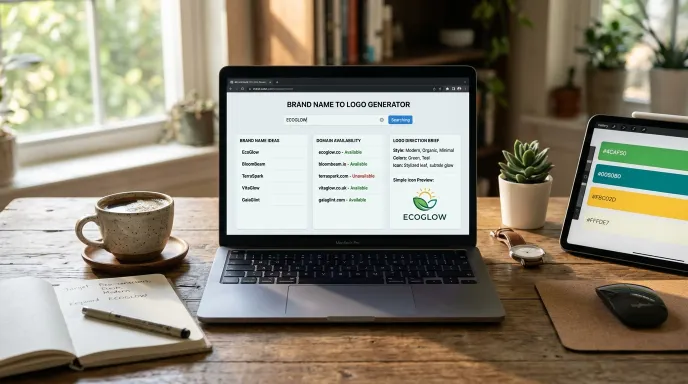
Quick answer: This free tool turns one keyword into three things at once: a batch of brand name ideas, matching domain suggestions, and logo direction briefs, a short text description plus a simple icon concept you can hand to a designer or use as an AI image prompt. It runs entirely in your browser, and domain checks use a live DNS signal, not a paid registrar lookup.
Type a name, pick a trade, get names, domains & logo directions — instantly.
Custom prefix / suffix / keyword
Runs entirely in your browser. Nothing is uploaded or stored on any server.
Nothing generated yet.
Enter a name on the left, choose your settings, then click Generate.
Most naming tools stop at giving you a list of words. This one goes a step further, pairing each batch of names with domain ideas and a starting point for what the logo could actually look like, so you’re not jumping between three separate tools to get from “I need a name” to “here’s a direction for my whole identity.”
My Personal Experience
Now, let me tell you something. If you have used our previous tools, such as the Business Name Idea or Brand Name Generator, you can use them to find a name for your brand or business.
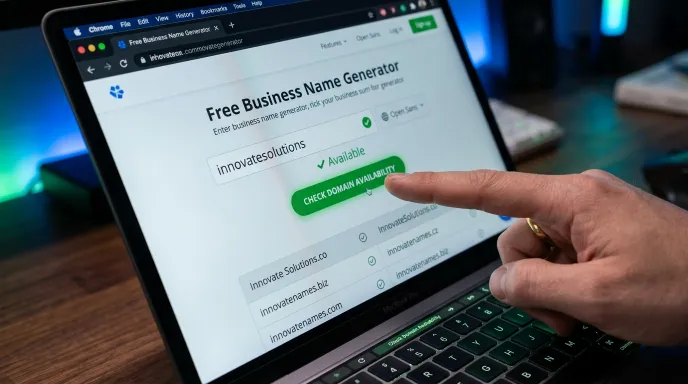
You can enter your brand name and check whether it is available. This will help you understand whether you can create a domain for it and use it for your business.
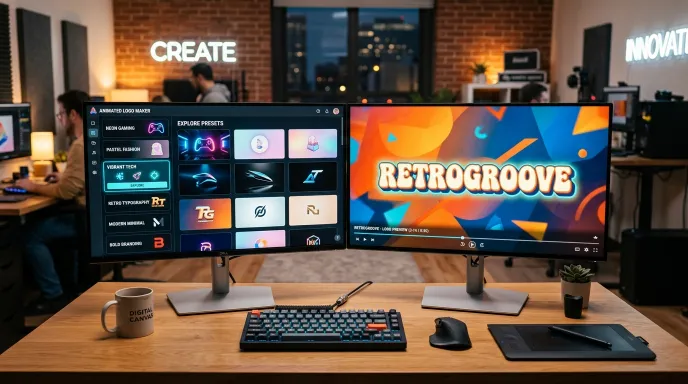
In addition, this tool allows you to create your own brand logo and animation, such as GIF files, and download them.
Here is the link to this tool. I have also provided its link below so you can check it out.
Tip
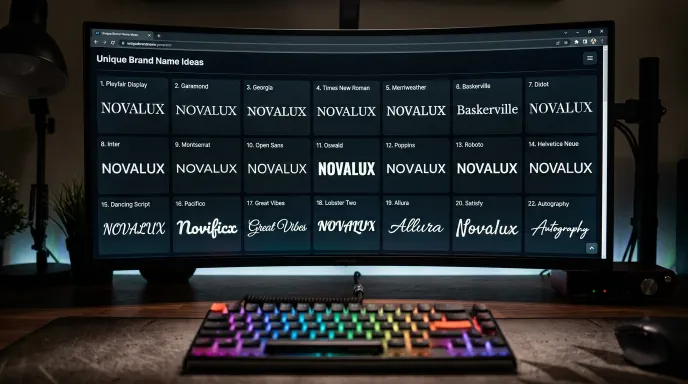
Here is another tip from me: You can download the name ideas you have generated using this tool. You can also use them to create and edit your own T-shirts or other products on different platforms.
How to Use This Tool
Step 1: Enter a Keyword and Pick a Language
Type a word tied to your brand (like “brew,” “orbit,” or “willow”). The Language dropdown changes the interface text, labels, buttons, and hints, into your preferred language. It does not translate the generated names themselves, those are built from English word patterns regardless of which interface language you choose.
Step 2: Choose a Category and Naming Style
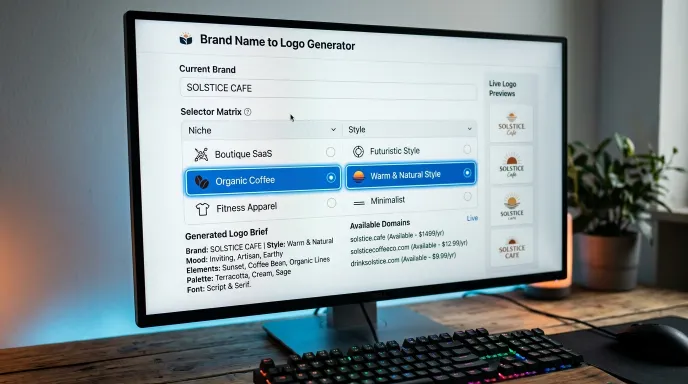
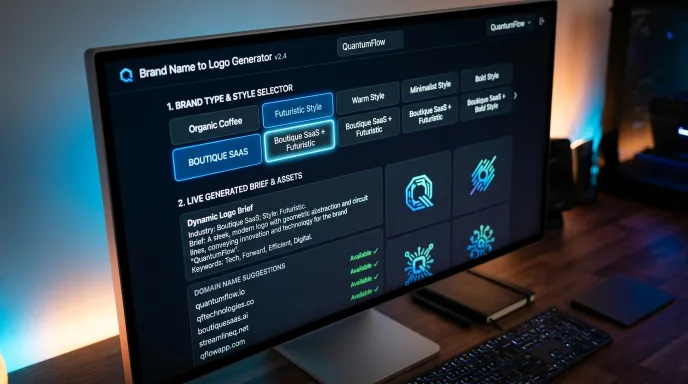
Pick from 100 categories (25 industries, each with a Boutique, Express, Digital, or Premium variation) and 100 naming styles (10 core moods like Simple, Luxury, or Futuristic, each with 10 tonal variations like Warm, Bold, or Coastal). Every category has its own set of flavor words baked into the results, so your chosen industry actually shows up in the names you get.
Step 3: Set Your Quantity and Generate
Choose how many ideas you want (10 to 30 per batch), optionally add a custom prefix, suffix, or extra keyword under the advanced options, then hit Generate. You’ll get your brand names, a matched set of domain ideas, and a handful of logo direction briefs, all at once.
How This Tool Actually Works
Combinatorial Generation, Not AI
Names are built from a structured system, 25 industries combined with 4 business-model modifiers create 100 categories, and 10 naming moods combined with 10 tonal variations create 100 styles. Each combination has its own bank of prefixes, suffixes, and flavor words that get mixed together algorithmically. It’s a deliberately designed system, not a language model generating text.
Domain Ideas: Short and Descriptive
For each batch, you’ll get up to 12 domain suggestions split into two styles, a Short column (name plus a common extension like .io or .app) and a Descriptive column (names combined with prefixes like “get” or “try,” using .com). Clicking Check on any domain sends a live request to a public DNS lookup service, if no DNS records come back, that’s a reasonable signal the domain may be unregistered. It’s not the same as an official WHOIS lookup, so always confirm with an actual registrar before buying.
Logo Directions: Briefs, Not Finished Designs
This is the part worth being clear about: the tool does not generate a downloadable logo image. What you get is a short, specific text description of a logo direction (for example, “a clean sans-serif wordmark, single weight, no ornament, paired with a single thin underline”) along with a simple icon preview drawn directly in your browser and a small color palette. It’s meant as a starting brief, something you can hand to a designer or feed into an AI image tool, not a finished, ready-to-use logo.
Key Features and Practical Benefits
- Three outputs from one input. Names, domain ideas, and logo direction briefs generated together, not as separate tools.
- 100 categories and 100 naming styles. A genuinely wide range of industry and tone combinations, not a handful of generic templates.
- Live domain signal. A real DNS-based check, clearly labeled as an estimate, not an official availability guarantee.
- Custom prefix, suffix, and extra keyword. Fine-tune results beyond the base keyword if you have specific naming requirements.
- Export and share. Download your batch as a CSV, or copy a share link that recreates your exact settings for someone else to open.
- Light and dark theme, and everything runs client-side, no signup, and nothing you type is uploaded or stored on a server (aside from the optional domain check request).
Real-World Example
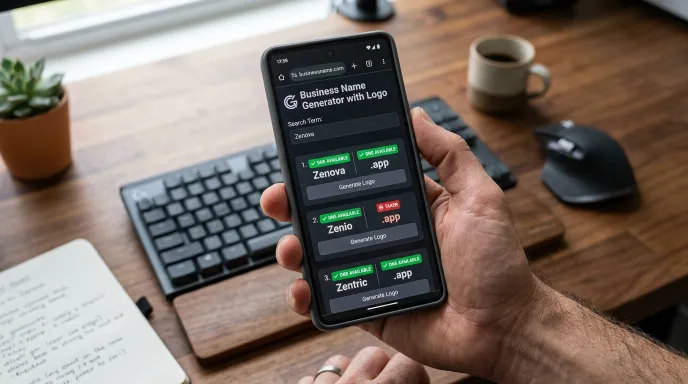
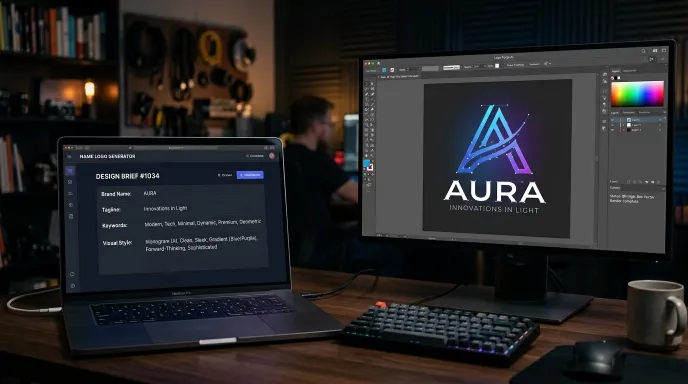
Say you’re naming a SaaS product and try the keyword “node” with the Boutique SaaS & Software category and a Futuristic style. You might get names like “Nodenova,” “Mystack,” or “Novapilot,” each paired with domain suggestions like “nodenova.app” or “trynpv.com,” plus a logo brief describing something like a sharp geometric sans wordmark with a subtle angled cut, paired with an abstract orbit-line icon. From there, you’d take your favorite name, check its real domain and trademark status, and hand the logo brief to a designer or use it as a prompt for further exploration.
A second example: naming a coffee shop with the keyword “grove,” the Boutique Coffee & Cafe category, and an Organic style tends to surface warmer, earthier names built around words like bean, roast, and brew, paired with a logo brief leaning toward a hand-finished serif wordmark and a leaf or branch-style icon, a noticeably different direction from the SaaS example above, even though the underlying process is identical.
Why Choose This Tool vs. Typical Logo Makers
| Feature | This Tool | Typical “AI Logo Maker” Tools |
|---|---|---|
| Output type | Names + domains + text/icon logo briefs | A finished, downloadable logo image |
| Best used for | Early-stage direction and brainstorming | A ready-to-use final logo |
| Speed | Instant, all client-side | Often requires account creation, sometimes paid downloads |
| Domain suggestions included | Yes, with a live availability signal | Rarely bundled |
| Category and style range | 100 categories × 100 styles | Usually a smaller template library |
| Cost | Free, no signup | Often free to start, paid to download high-res files |
Common Mistakes to Avoid
- Treating the logo brief as a finished asset. It’s a starting direction for a designer or AI tool, not something to publish as your actual logo.
- Skipping the category selection. Leaving it on a default or mismatched category means your results won’t reflect your actual industry, category flavor words are a big part of what makes each batch feel relevant.
- Trusting the domain check as final. It’s a useful first filter, but always confirm with a registrar before paying for a domain.
- Generating only one batch. Since category and style each offer 100 options, trying two or three different combinations for the same keyword often reveals directions you wouldn’t have thought of otherwise.
- Forgetting saved items are browser-specific. If you’re comparing options across devices, export to CSV instead of relying on the Save button alone.

Tips for Getting the Most Out of This Tool
- Try a few different categories for the same keyword. The same core word can produce very different naming directions depending on which industry flavor words get blended in.
- Use the logo brief as a starting point, not a final decision. Treat the text description and icon preview as inspiration to bring to a designer, not a finished asset.
- Always verify your shortlist beyond the built-in domain check. Confirm directly with a registrar before purchasing, and run a trademark search before committing to a name.
- Export early. If you’re comparing options across categories or styles, exporting each batch to CSV makes it easier to compare later instead of losing track of earlier results.
Frequently Asked Questions (FAQs)
How do I create my own name and logo?
Enter a keyword tied to your brand, choose a relevant category and naming style, and generate a batch. You’ll get name ideas, matching domain suggestions, and a logo direction brief together, giving you a practical starting point for building out your full identity.
Can AI create a logo for me with this tool?
No. This tool doesn’t generate a finished logo image. It provides a text-based logo direction brief and a simple icon preview built from a structured design system, useful as a starting point for a designer or an AI image tool, not a final logo file.
What is a good name for a logo?
A strong logo name is usually short, easy to read at a small size, and fits the tone of your brand, minimal, luxury, playful, and so on. Comparing a few different naming styles for the same keyword can help reveal which tone actually fits your brand best.
How can I create a brand name and logo for free?
This tool generates brand name ideas, domain suggestions, and logo direction briefs together at no cost and without requiring an account. For a finished, downloadable logo image, you’d still need a separate logo design tool or a designer.
Does the domain check on this tool guarantee a domain is available?
No. It’s a live signal based on DNS records, not an official WHOIS lookup. Treat it as a quick, useful filter, then confirm directly with a domain registrar before purchasing.
Will my generated names and logo briefs be saved if I come back later?
Saved items are stored in your browser only, not on a server or account, so they’ll be available on the same browser and device but won’t carry over if you switch browsers or clear your data.
Final Thoughts on Building Your Brand Identity
Naming a brand and figuring out a starting direction for its logo doesn’t have to be two completely separate projects. This tool bundles both together, plus matching domain ideas, so you can move from a single keyword to a genuine starting point for your full identity in one pass. Just remember: the logo briefs are a creative starting point, not a finished design, and any domain signal should be confirmed with a registrar before you commit.
From Logo Brief to Full Brand Identity
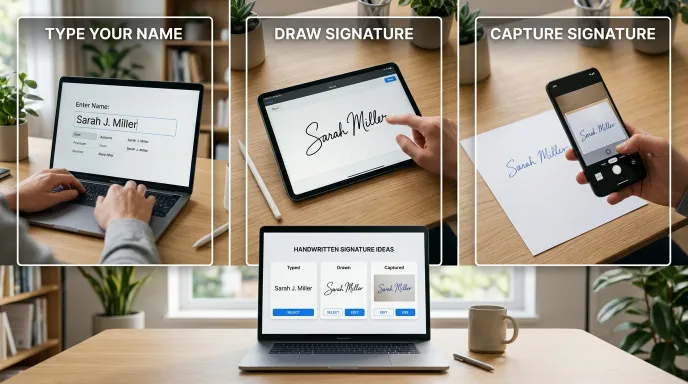
This tool gets you a name, a domain, and a logo direction, but a full identity usually needs a bit more. Bring your chosen name to life visually with the Animated Logo Maker, or round things out with a matching Signature Ideas Generator design for your day-to-day documents and emails.
Disclaimer:
Domain availability results are based on a live DNS signal, not official WHOIS data, and should be confirmed with a domain registrar before purchase. Logo direction briefs and icon previews are creative starting points intended for further design work, not finished, ready-to-use logo files.
Written by Waseem Aijaz, WordPress Developer and SEO Specialist. Connect on LinkedIn.
What the Name Idea Lab Community Says
Average Rating: 4.9/5 based on our beta users