Quick Answer: YouTube channel names aren’t required to be unique the way @handles are, so “checking availability” really means two things: searching YouTube for existing channels with the same name, and separately confirming your @handle is free at youtube.com/@yourhandle. Both matter for avoiding confusion with your audience.
Most new creators spend weeks planning content and thumbnails, then pick a channel name in five minutes. That’s backwards, your name is the first thing viewers read in search results, and getting it checked properly upfront saves a painful rebrand later.
Channel Name vs. Handle: Why the Distinction Matters
| Channel Name | @Handle | |
|---|---|---|
| Uniqueness | Not guaranteed unique | Must be unique across YouTube |
| Where it appears | Display name on your channel | URL, mentions, Shorts comments |
| How to check | Search YouTube manually | youtube.com/@yourhandle |
| Change frequency | Anytime via account settings | Limited changes per period |
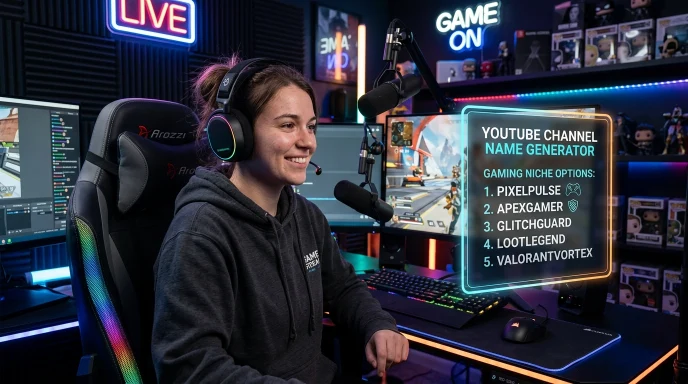
How to Use a YouTube Channel Name Checker Strategy Step-by-Step
Using a direct youtube channel name checker method ensures you don’t build a brand on a handle that is already locked or diluted. Here is how to check youtube channel name availability accurately:
Step 1: Search YouTube Directly
Type your intended name into YouTube’s search bar and look through the channel results. Pay attention to close variations too, different spacing, punctuation, or capitalization.
Step 2: Evaluate What You Find
- No matching channels: you’re likely clear to use it.
- A small, inactive channel with the same name: lower risk, but still worth reconsidering to avoid confusion.
- A large, active channel in your same niche with that name: avoid it. Subscriber confusion and diluted search results aren’t worth it.
Step 3: Check the @Handle Separately
Go to youtube.com/@yourdesiredhandle. If a channel loads, it’s taken. If you see a “this page isn’t available” result, it’s very likely open, confirm for certain inside YouTube Studio when you set up your channel.
Why This Two-Part Check Matters
Because channel names aren’t enforced as unique, two channels can technically share a name, but it creates real problems: search results become muddy, subscribers get confused about who they’re actually following, and your brand becomes harder to grow across other platforms. Checking both the name and the handle upfront prevents this entirely.
YouTube @Handle Guidelines & Cooldown Rules
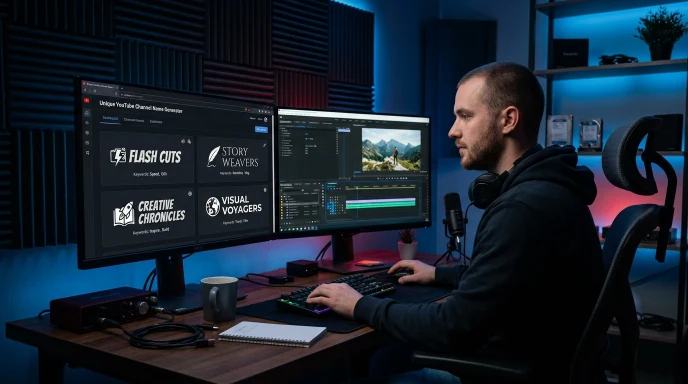
When testing handles on a youtube channel name availability checker, keep YouTube’s official platform limits in mind:
- Character Limits: Handles must be between 3 and 30 characters long.
- Allowed Characters: You can use letters (A–Z), numbers (0–9), underscores (_), hyphens (-), and periods (.).
- 14-Day Change Rule: You can change your YouTube handle up to 2 times every 14 days.
- Reversion Window: If you change an existing handle, your previous handle is held reserved for 14 days, allowing you to switch back before it becomes publicly available to others.
What to Do the Moment You Confirm a Handle Is Free
- Claim your @handle immediately if you’re set on it. Availability changes constantly.
- Keep two backup names ready. If your first choice turns out to be closely matched by an existing channel, you’re not starting over from scratch.
- Check the same or a close variation on TikTok and Instagram right after. Locking in consistency in one sitting is far easier than chasing it later.
What Trips People Up
- Only checking the @handle and skipping the channel name search. A free handle doesn’t mean no one else has a similar channel name.
- Assuming a small existing channel with the same name is fine to ignore. It’s lower risk, but it can still create confusion as both channels grow.
- Waiting too long after confirming a handle is free. Popular-sounding handles can get claimed within hours.
Benefits of Checking Properly
- Avoids subscriber confusion. Viewers land on the right channel instead of a similarly named one.
- Protects your brand long-term. A name checked properly upfront rarely needs a painful rebrand later.
- Saves wasted setup time. Nothing worse than building a full channel around a name you have to change.
What to Do If Your Desired YouTube Handle Is Taken?
If your primary handle choice is taken during your youtube channel name checker lookup, apply these brand-friendly adjustments:
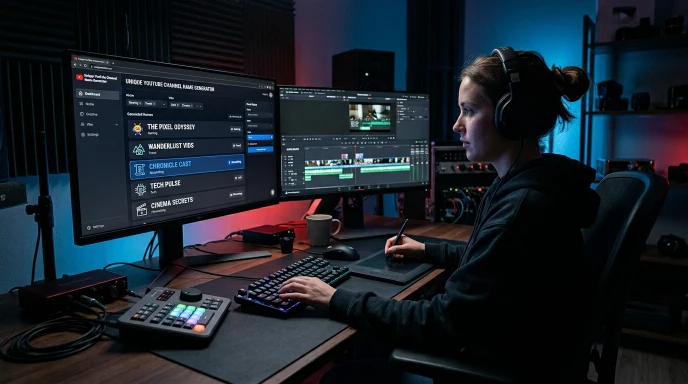
- Add Niche Prefixes: Attach modifiers like the, real, iam, official, or play.
- Add Authority Suffixes: Append clean ending tags like tv, hq, lab, reviews, or studio.
- Use Underscores or Dots: Separate multi-word titles cleanly (e.g.,
@tech_matrixinstead of@techmatrix).
The Ultimate Checklist Before You Launch
- Searched YouTube directly for existing channels with the same or a similar name
- Evaluated the size and activity of any close matches found
- Checked the @handle separately at youtube.com/@yourhandle
- Confirmed availability inside YouTube Studio during setup
- Checked the same or a close variation on TikTok and Instagram
- Registered your handle promptly after confirming it’s free
Quick Answers to Common Questions
How do I check if a YouTube channel name is available? Search the name directly on YouTube to see if existing channels use it or something close, then separately check your intended @handle at youtube.com/@yourhandle.
How to check YouTube channel availability before launching? Do both checks, a manual YouTube search for the channel name, and a direct @handle check, since the two aren’t the same thing and neither one alone gives you the full picture.
Can I use the same channel name as an existing small channel? Technically yes, YouTube doesn’t block it, but it’s not recommended. It creates subscriber confusion and search dilution, even if the existing channel is small.
How do you check your YouTube channel name after it’s live? Search your own channel name on YouTube periodically to see how it ranks against similarly named channels, and confirm your @handle still resolves correctly.
Wrapping Up
Checking YouTube channel name availability properly means two separate steps, a manual search for the name itself, and a direct check of your @handle. Skipping either one risks confusion down the line. If you’re still narrowing down name options, the youtube name generator on Name Idea Lab builds a shortlist and links directly to each channel URL for a quick check. It’s part of the full social media name generator hub on Name Idea Lab, which also includes an instagram name generator and a tiktok username generator for building the same identity across platforms.
Disclaimer: This guide is for informational purposes only. YouTube is not affiliated with or endorsing this content, and availability changes constantly, so always verify directly on the platform.