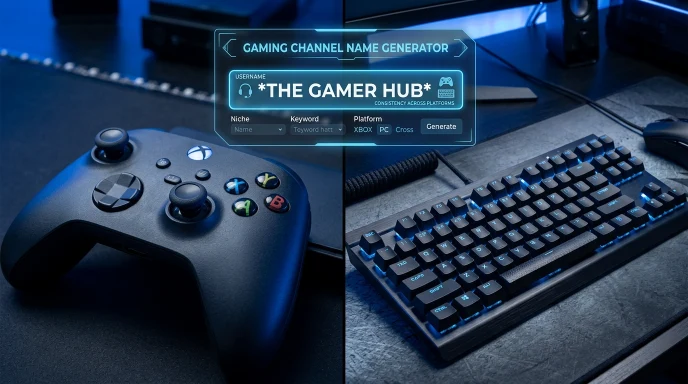

Quick Answer: To change your Free Fire name, open your profile, tap the edit icon next to your nickname, paste or type your new name, and confirm. Your first change is usually free — after that, you’ll need a Name Change Card.
If your Free Fire name has been the same since you first installed the game, changing it is faster than you’d expect. The tricky part isn’t the menu — it’s understanding when the change is free and when it costs a Name Change Card.
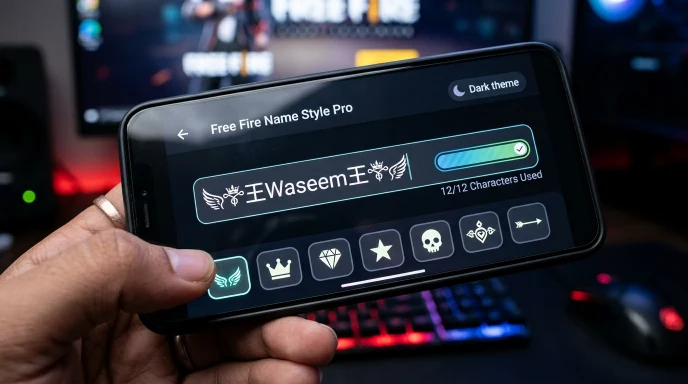
How to Change Your Name in Free Fire
- Open Free Fire and tap your avatar in the top-left corner to open your profile.
- Tap the pencil/edit icon next to your current nickname.
- Clear the field completely, then type or paste your new name.
- Confirm the change. If this is your first-ever rename, it’s typically free.
- If prompted for a Name Change Card, you’ll need one in your inventory to proceed — see below for how to get one without spending diamonds.
How to Get a Name Change Card Without Spending Diamonds
Buying a rename directly with diamonds is the most expensive route. Cheaper options include:
- Guild Token exchange. The in-game store often lets you trade a small number of diamonds plus Guild Tokens for a Name Change Card — a fraction of the direct diamond price. Join a guild early so tokens accumulate over time.
- Day 7 login streak reward. Many login-streak calendars include a free Name Change Card as a milestone reward.
- Weekly mission completions. Completing weekly mission sets sometimes rewards a card directly.
- Seasonal events. Garena regularly runs limited-time events that include Name Change Cards as rewards — worth checking the event tab before spending diamonds.
Troubleshooting: When the Rename Doesn’t Work
| Issue | Likely Cause | Fix |
|---|---|---|
| “Name already taken” | Another player already has that exact name | Try a variation or generate alternatives |
| Rename option locked | No Name Change Card in inventory | Earn one through login rewards, missions, or Guild Token exchange |
| Name reverts after saving | App needs a refresh to sync the change | Fully close and reopen Free Fire, then recheck your profile |
| Symbols rejected | Some Unicode characters aren’t supported | Stick to widely supported symbol ranges |
Tips Before You Commit to a New Name
- Finalize your choice outside the game first. Copy your intended name into a notes app to check the exact character count before pasting it into Free Fire — remember, every symbol counts toward the 12-character limit.
- Don’t burn your free change on a placeholder. If you’re not fully sure of your final pick, wait until you have a card ready rather than using your one free change on a test name.
- Coordinate with your guild if you’re aiming for a matching tag style, so everyone times their change around the same update.
Get Your Name Ready Before You Open the Rename Screen
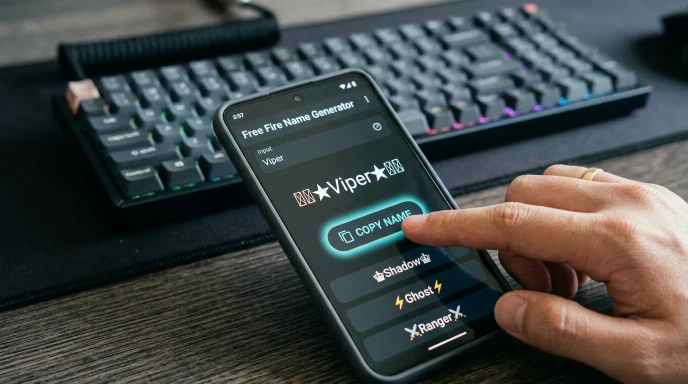
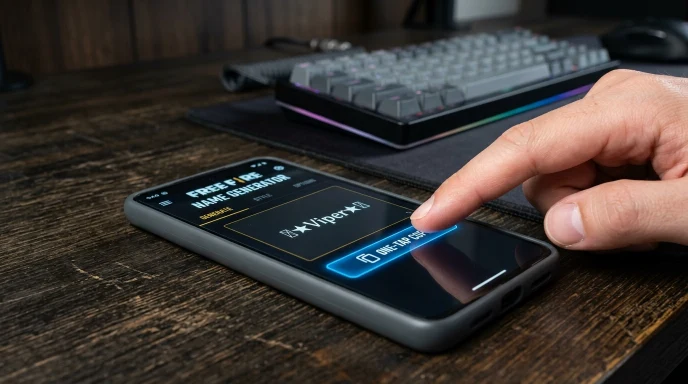
Since renames are often limited by cards, it pays to have your final choice ready before you go into the settings. Our Free Fire Name Generator lets you preview dozens of styled options sized to fit the 12-character limit, so you’re not stuck editing after the game rejects a name that’s too long.
Looking for ready-to-copy options instead of building your own? Check our Free Fire pro name copy list for names you can grab directly.
Quick Answers to Common Questions
How do I change my Free Fire name for free?
Most accounts get one free rename. After that, you’ll need a Name Change Card, which can be earned through login rewards, missions, or the Guild Token exchange instead of spending diamonds directly.
Is Free Fire’s name style locked after a rename?
No — renaming only changes your display name. Your account stats, match history, and progress stay exactly the same.
How do I design my name in Free Fire?
Generate or style your name outside the game first — using fonts and symbols — then copy the final version and paste it directly into the rename field.
Why is my Free Fire rename not saving?
This usually means the name is already taken, contains unsupported characters, or you don’t have a Name Change Card available if it’s not your first rename.
The Bottom Line
Changing your Free Fire name takes under a minute once you know the menu path — the real planning happens beforehand, in deciding what to change it to and making sure you have a Name Change Card ready if needed. Have your new name styled and copied before you open the rename screen, and the whole process goes smoothly.
Disclaimer: Name change costs, card availability, and rules may vary by region and game version. Always confirm current details directly in-game.